
 Documentation
 Join our Discord
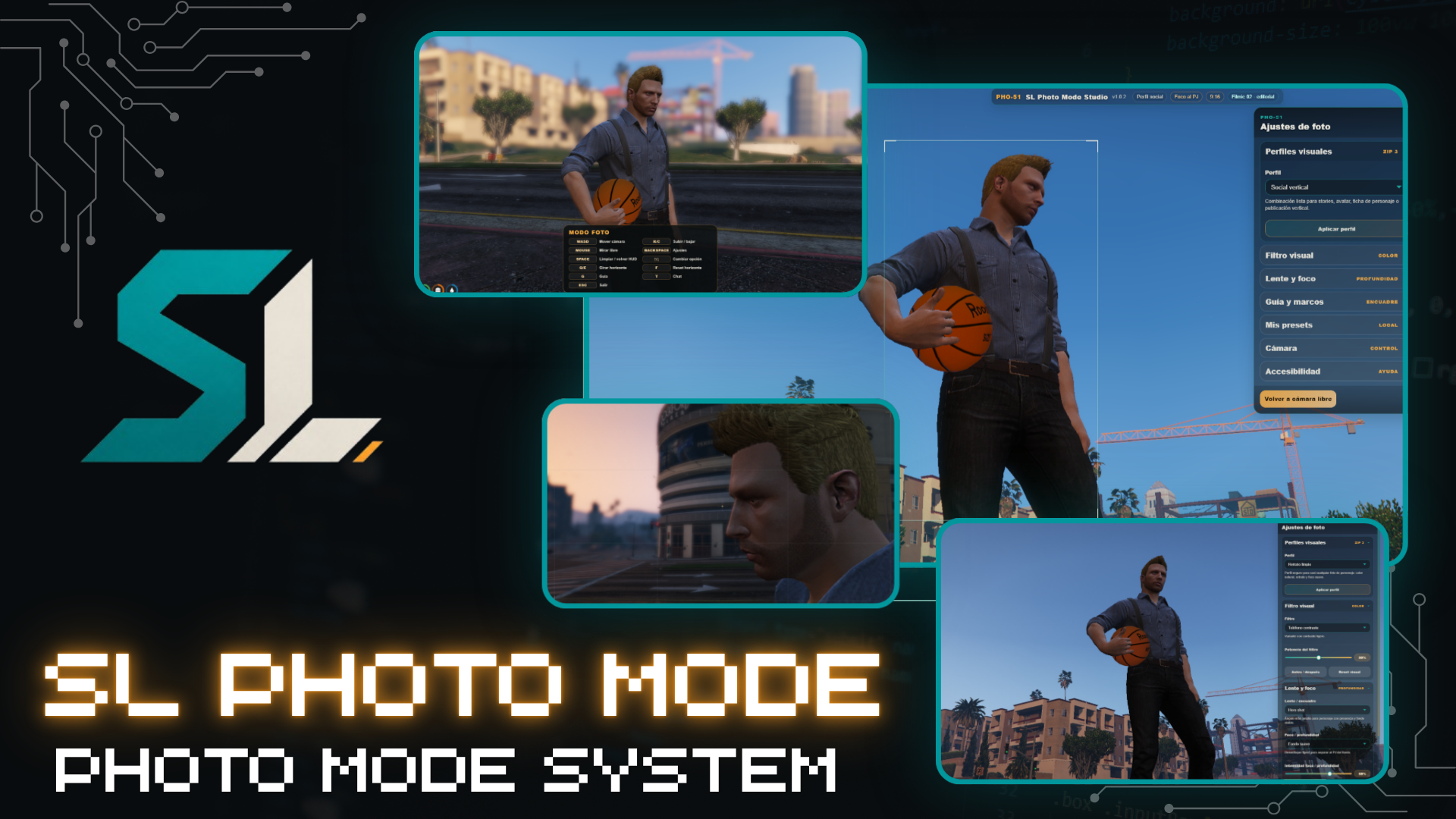
PHO-51 | SL Photo Mode Studio
Structured tools for serious roleplay servers.
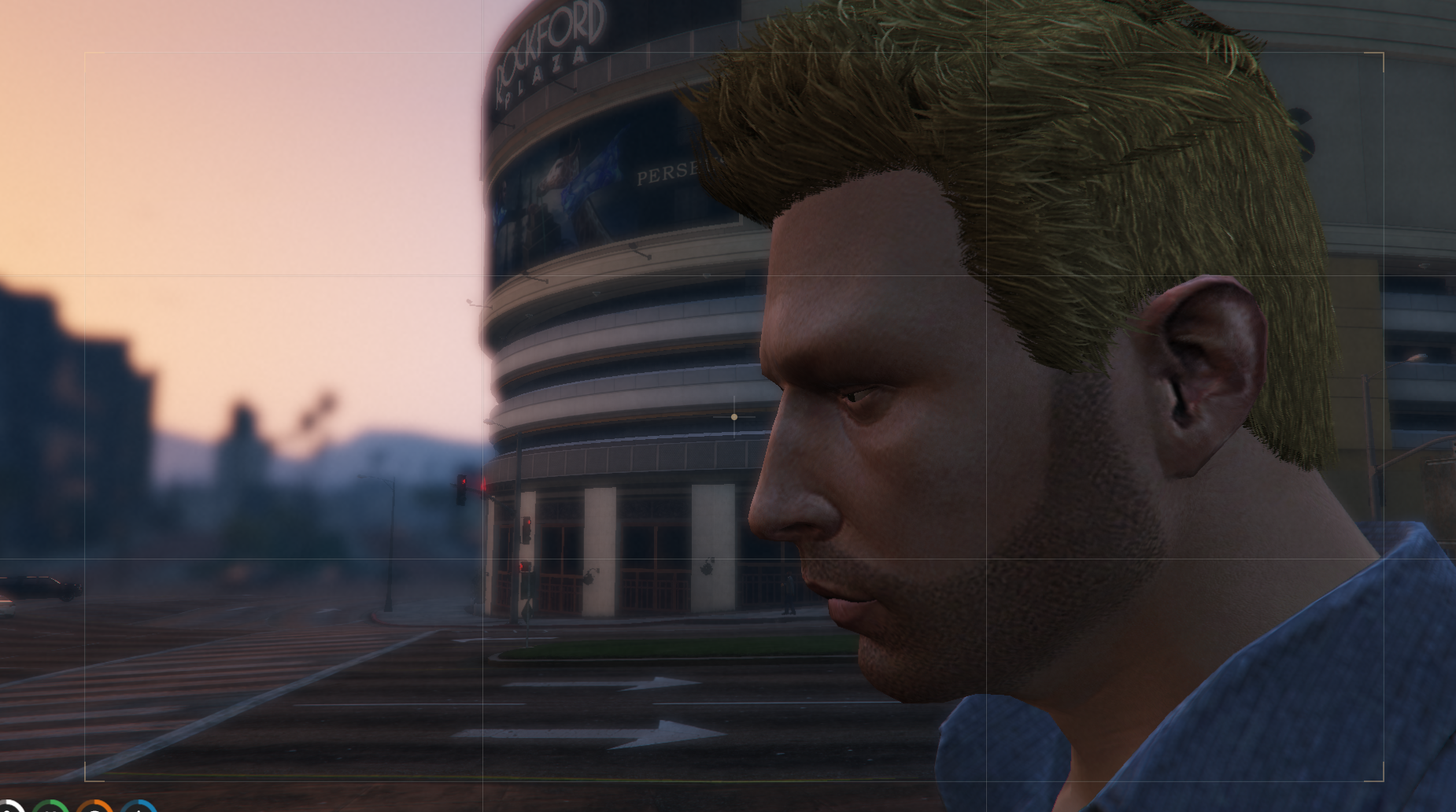
SL Photo Mode Studio is a clean and professional photo mode system for FiveM roleplay servers, designed for character screenshots, social photos, outfit previews, server promos, and cinematic RP content.
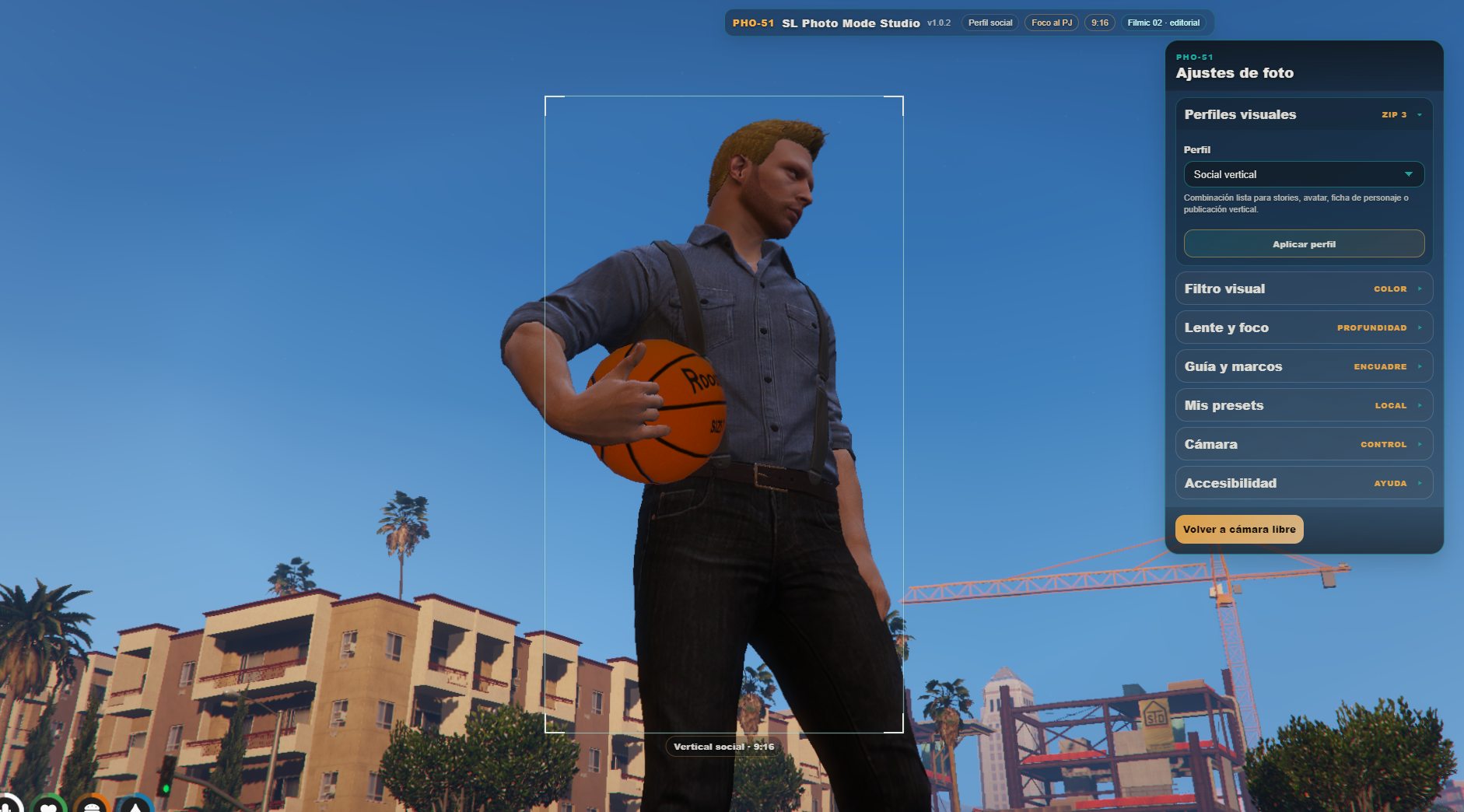
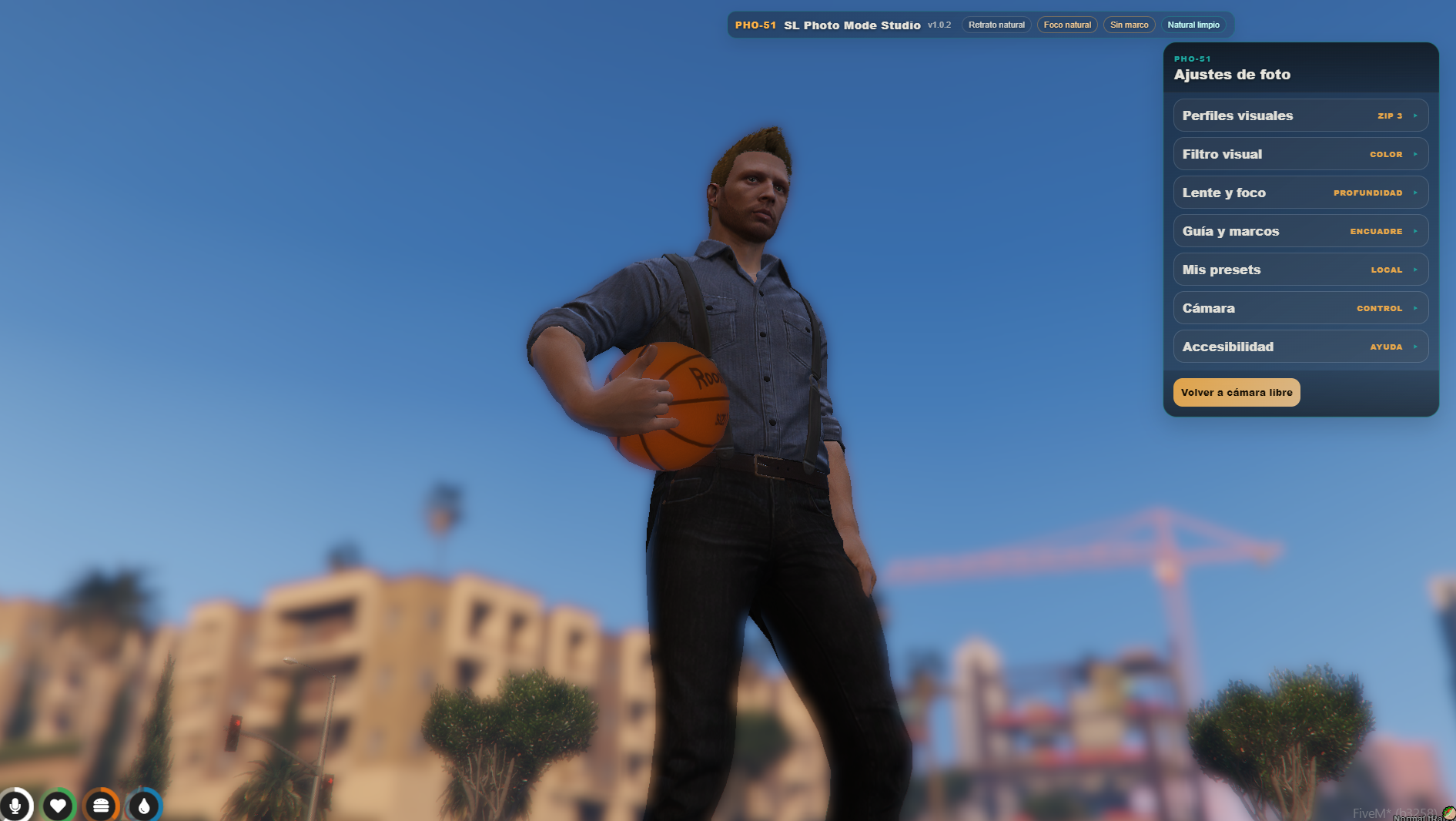
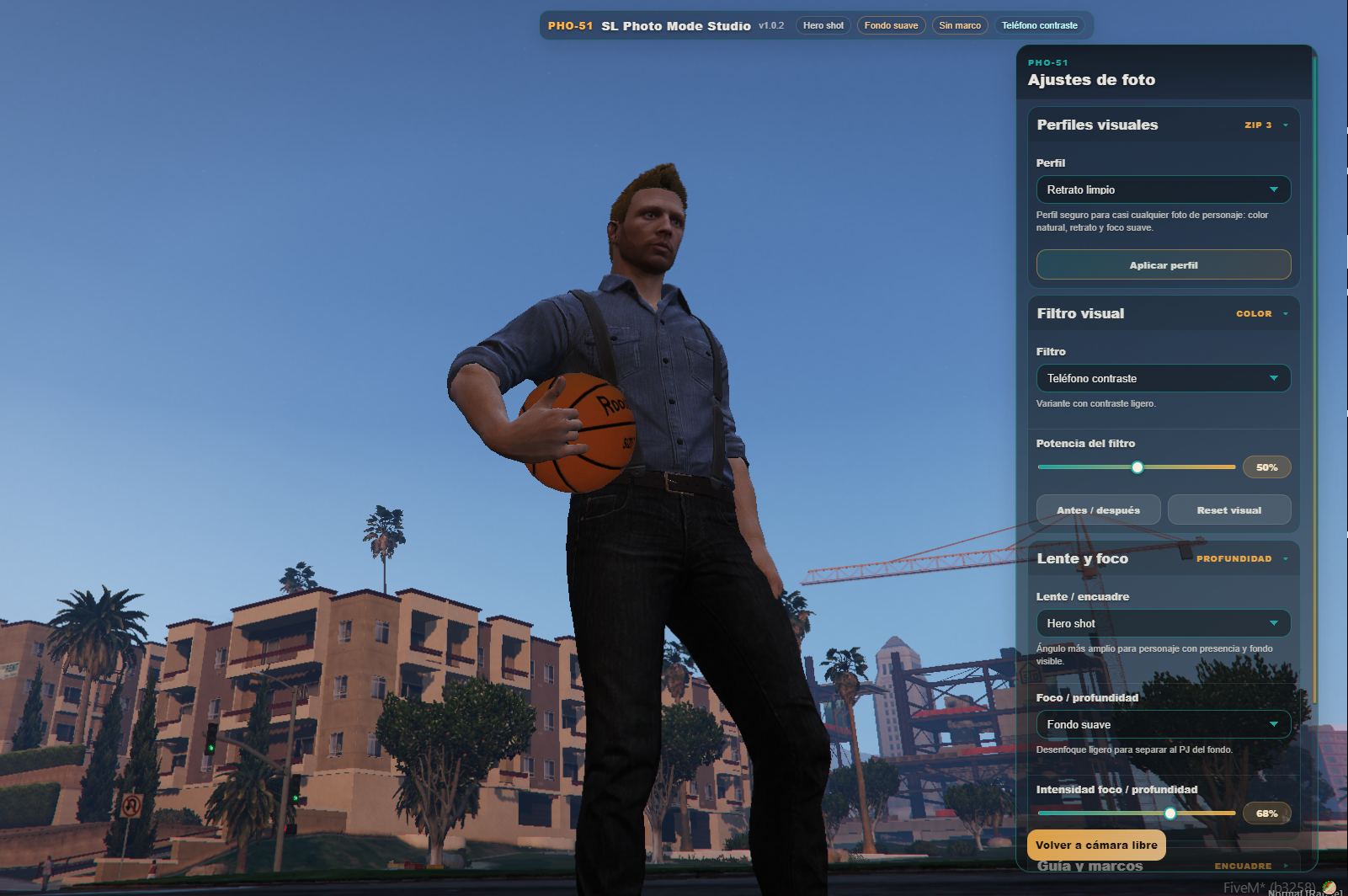
It gives players a smooth freecam, visual presets, native-style filters, framing guides, camera memory slots, and clean screenshot controls without forcing a heavy gallery, uploader, or external capture system.
⚙️ Main Features
Camera & Visual Systems:
- Smooth freecam mode with distance safety limits
- Lens, focus, blur, and horizon/roll rotation controls
- Native filter bank and visual preset profiles
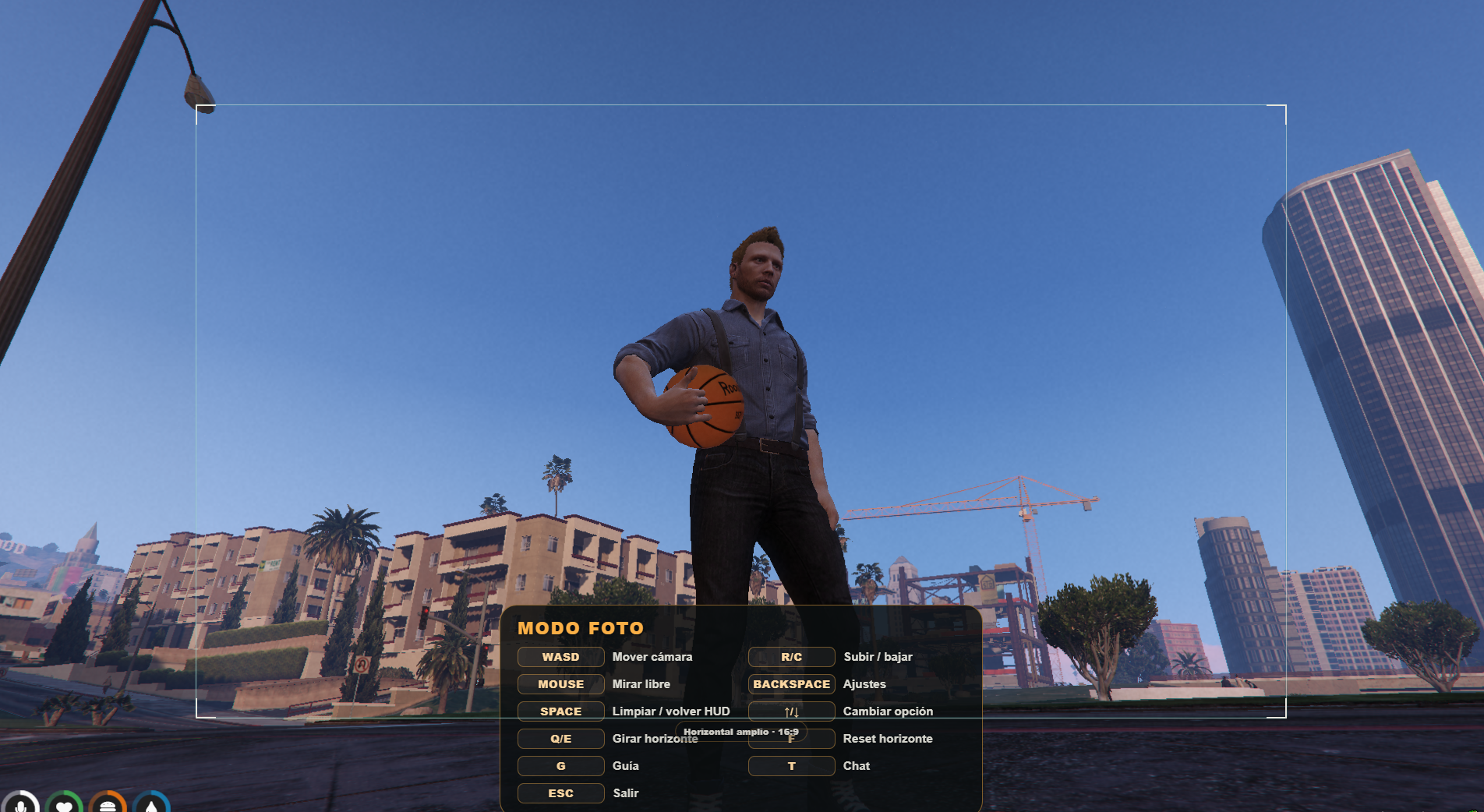
- Framing guides for social screenshots with adjustable size
- Camera memory slots for saving and loading positions
Lightweight Workflow:
- Clean HUD toggle using
SPACE - Compact bottom control bar
- No forced screenshot uploader or gallery system
- No Discord webhook required
- Standalone by default with zero dependencies
🎮 Controls
Movement & View:
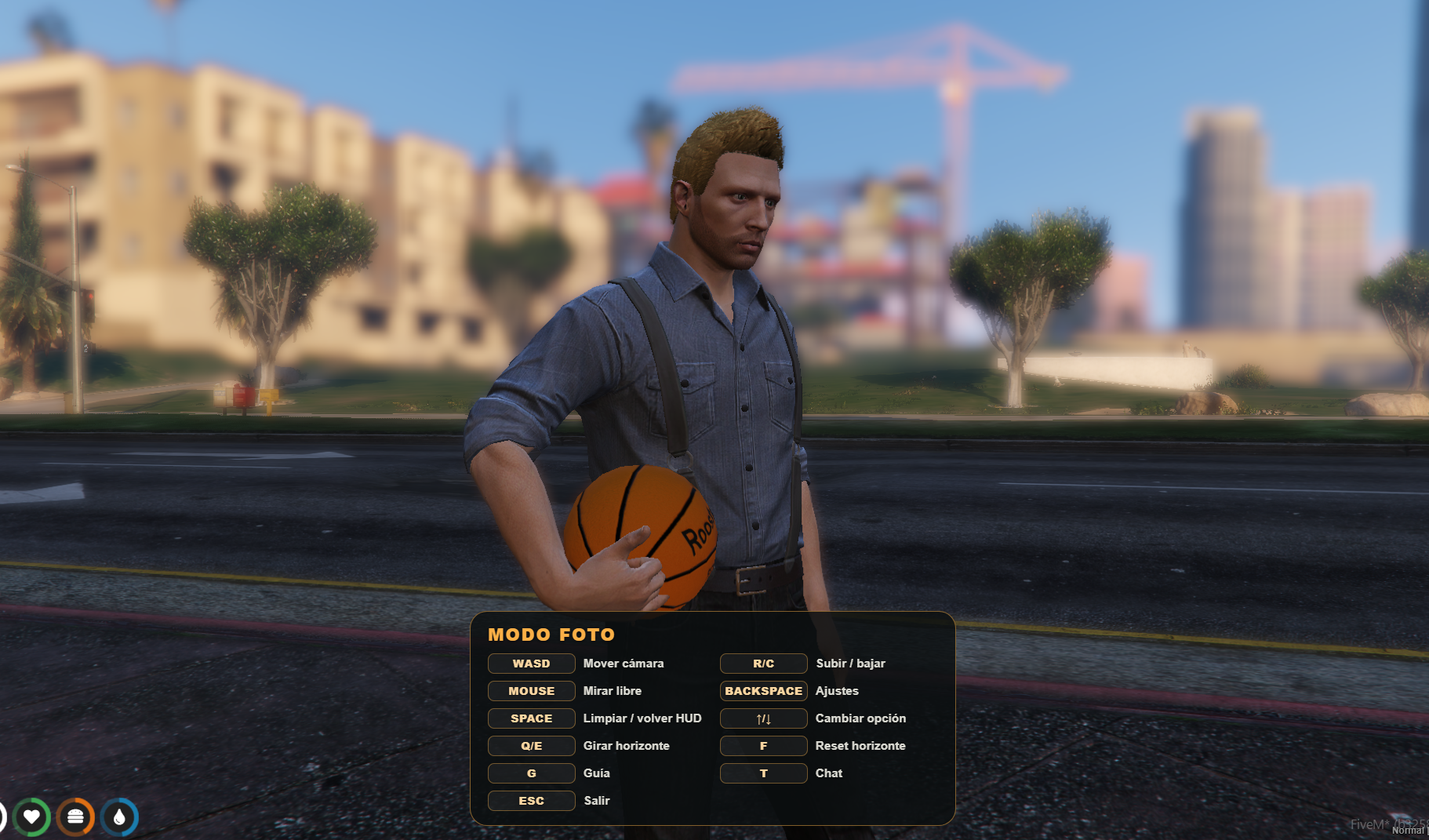
/photomode— Open photo modeWASD— Move cameraR / C— Move camera up / downQ / E— Rotate horizonF— Reset horizon
Interface & Capture:
Mouse— Look aroundBACKSPACE— Open settingsSPACE— Hide / restore HUDESC— Exit photo mode
🌟 Recommended For
Ideal for enhancing character presentation and community media:
Serious RP Servers Character Portraits Clothing & Outfit Photos Social RP Screenshots Event Promos & Trailers Streamers & Content Creators
📋 Installation
Completely standalone with no framework dependencies:
- Place the folder named
sl_photomodeinside your server resources folder. - Add
ensure sl_photomodeto yourserver.cfg. - Restart your server or start the resource.
📚 Support & Resources
Official support, documentation, and community links: