
 Documentation
 Join our Discord
SL Media Screens
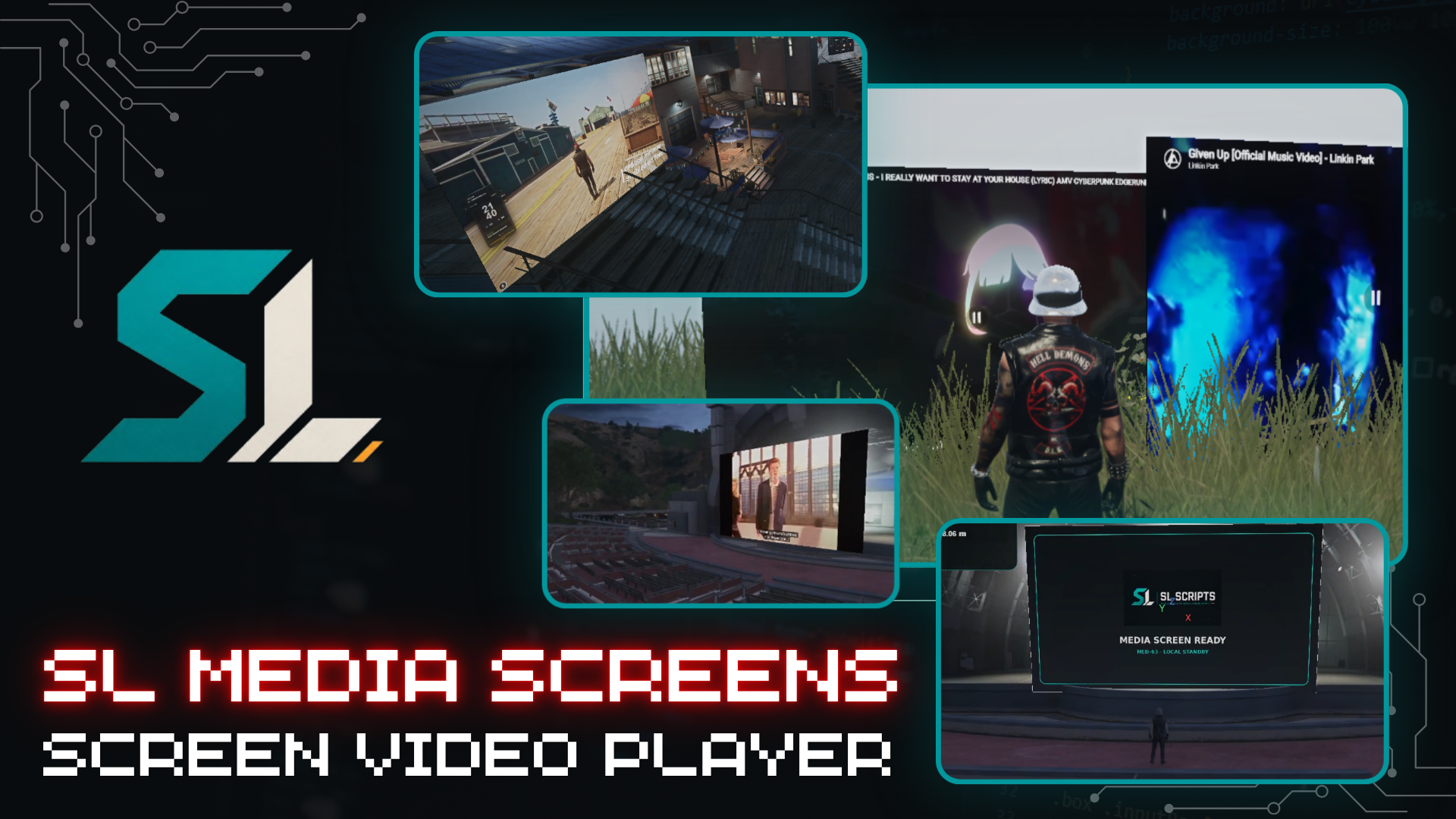
Create screens, cinemas, and synchronized multimedia spaces anywhere in your FiveM server.
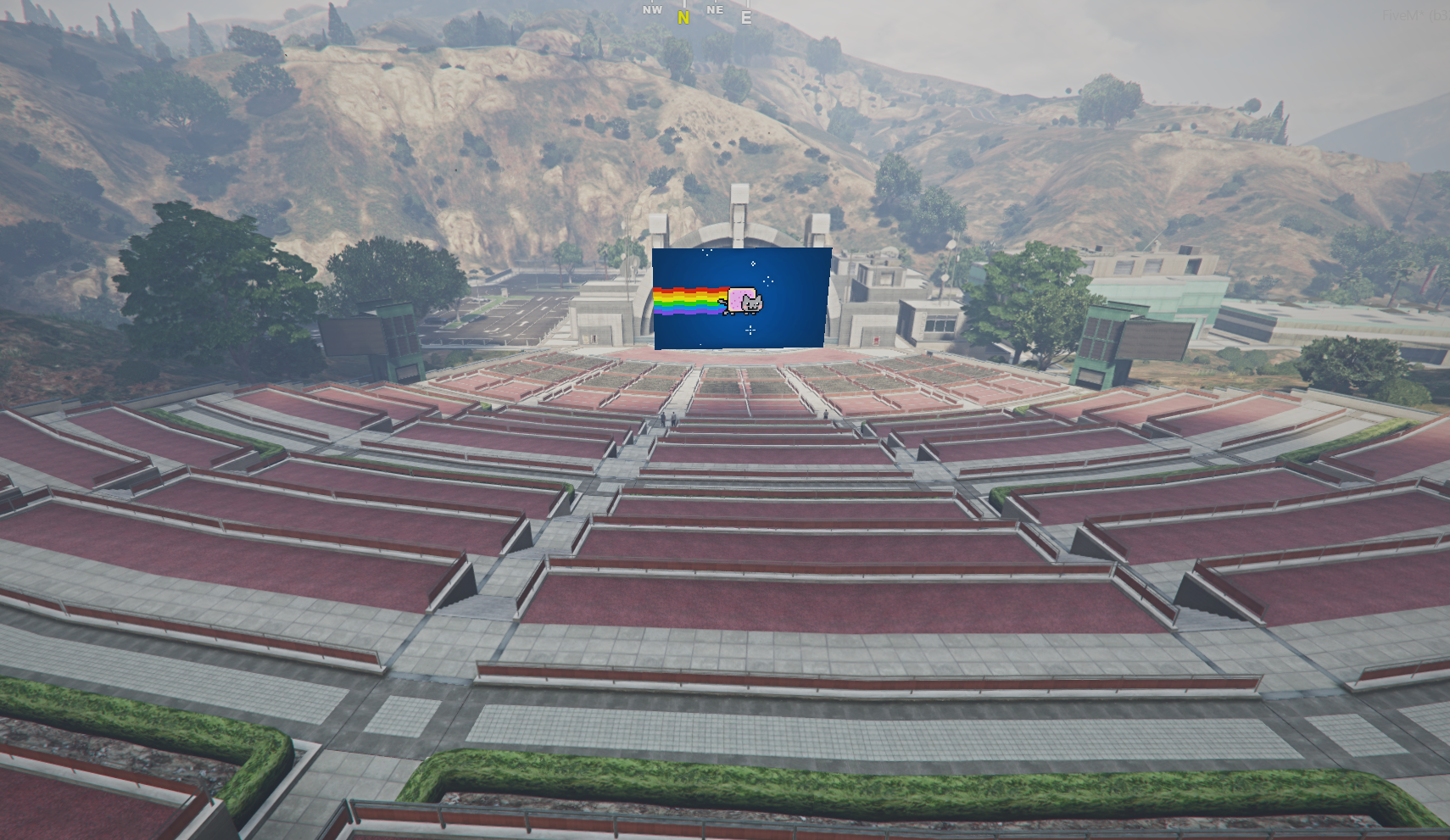
SL Media Screens is a complete multimedia system for FiveM that allows server owners and administrators to create virtual screens, cinemas, event displays, televisions, and reusable audiovisual setups directly inside the game.
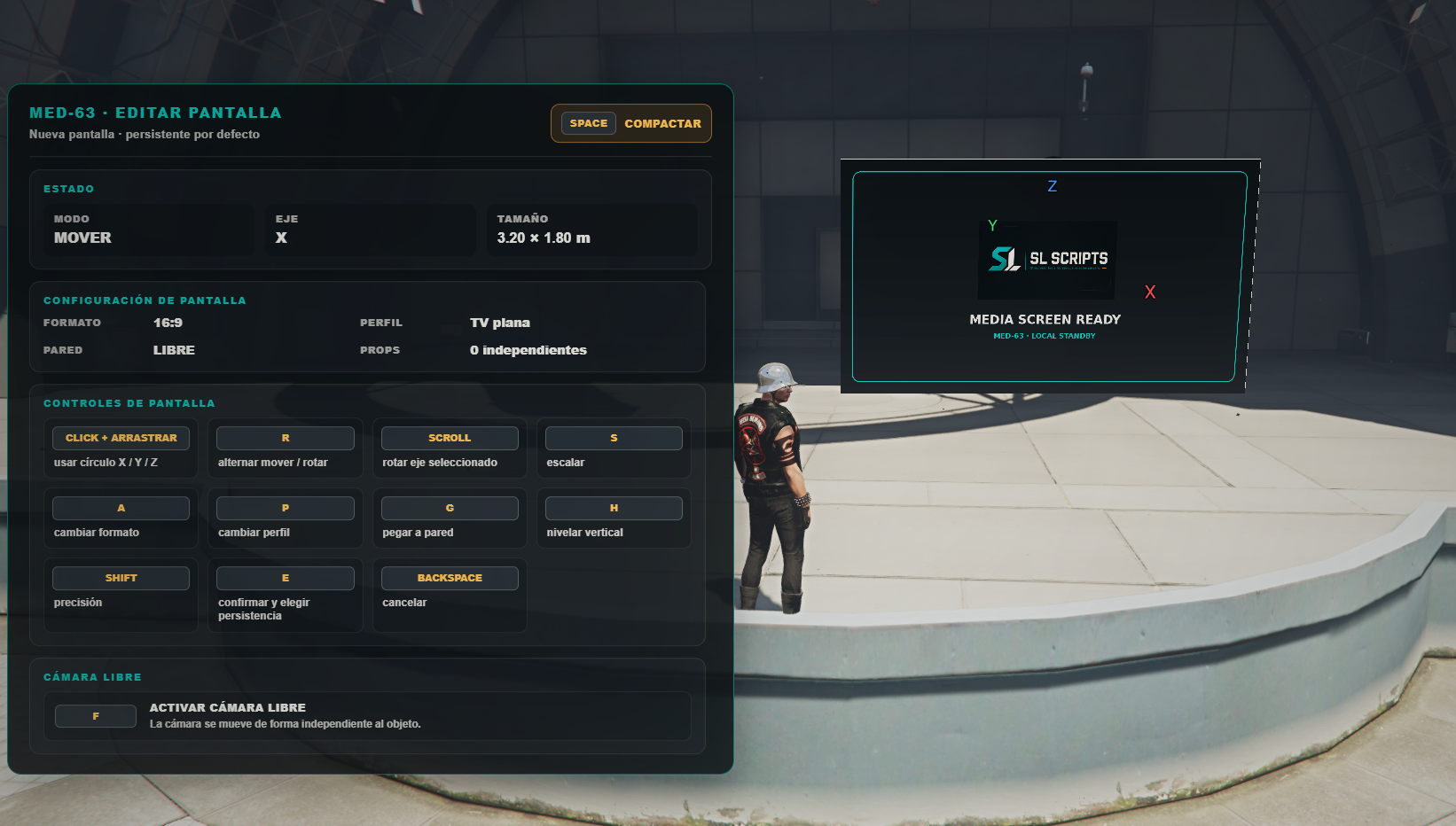
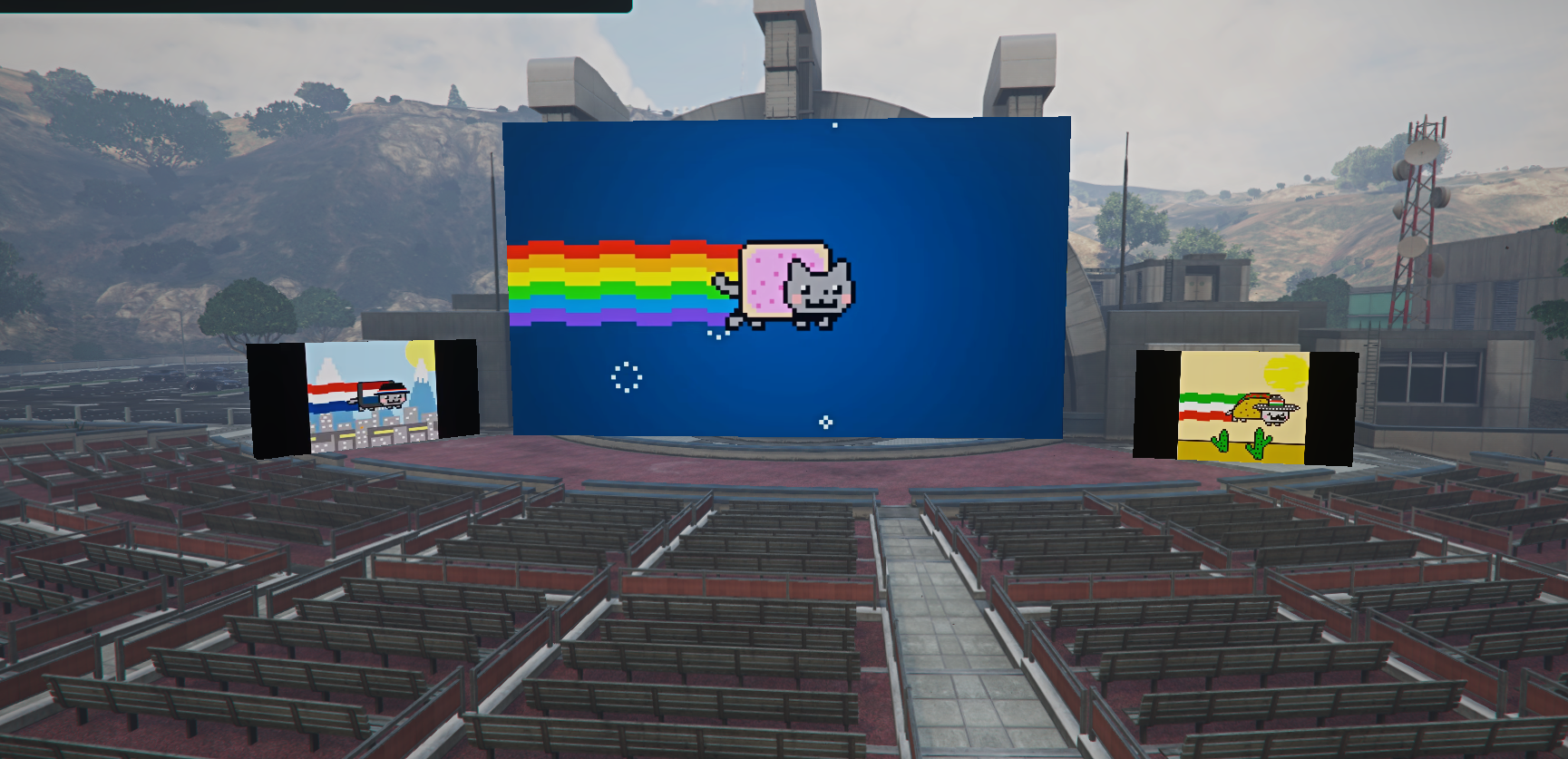
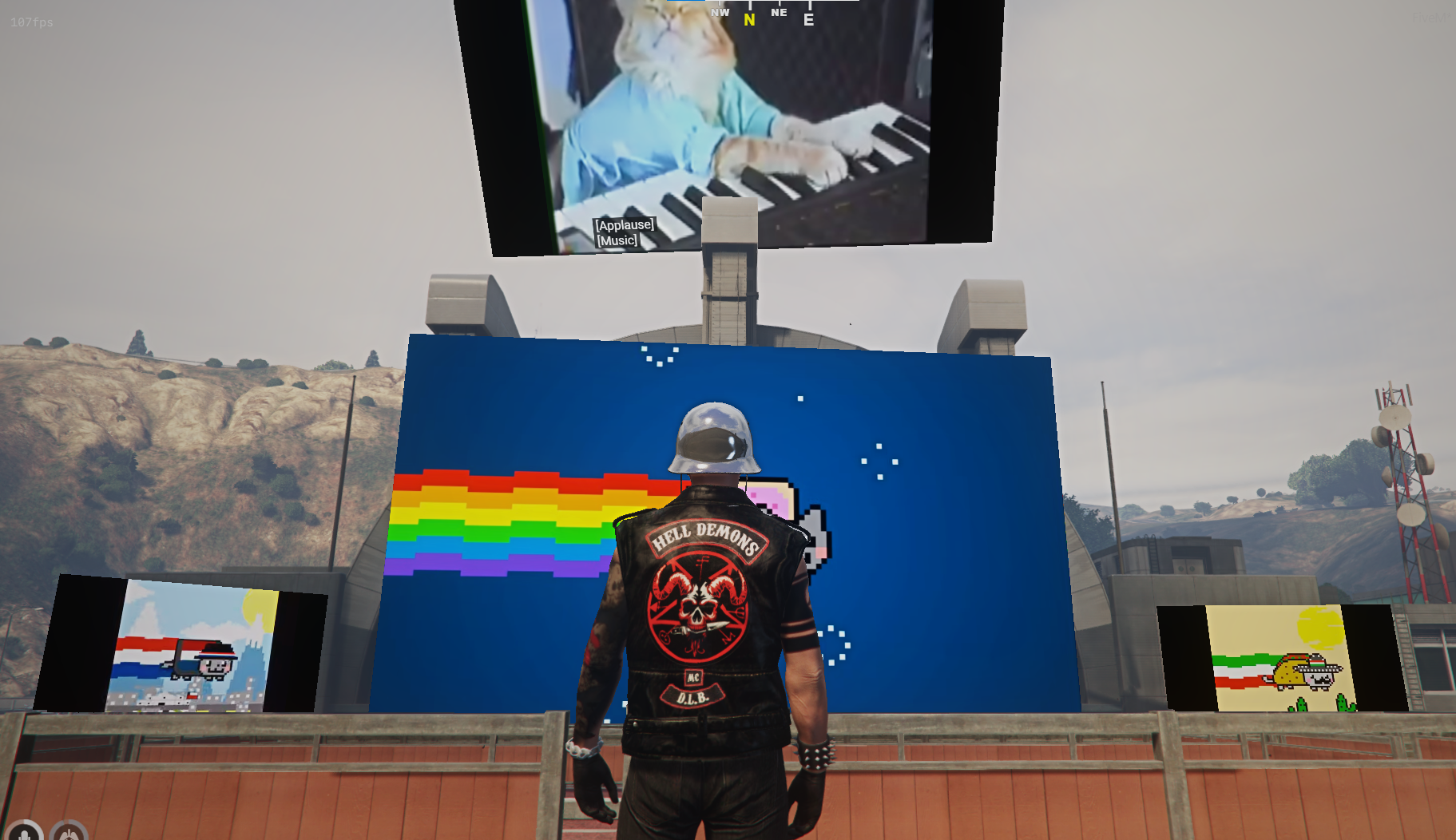
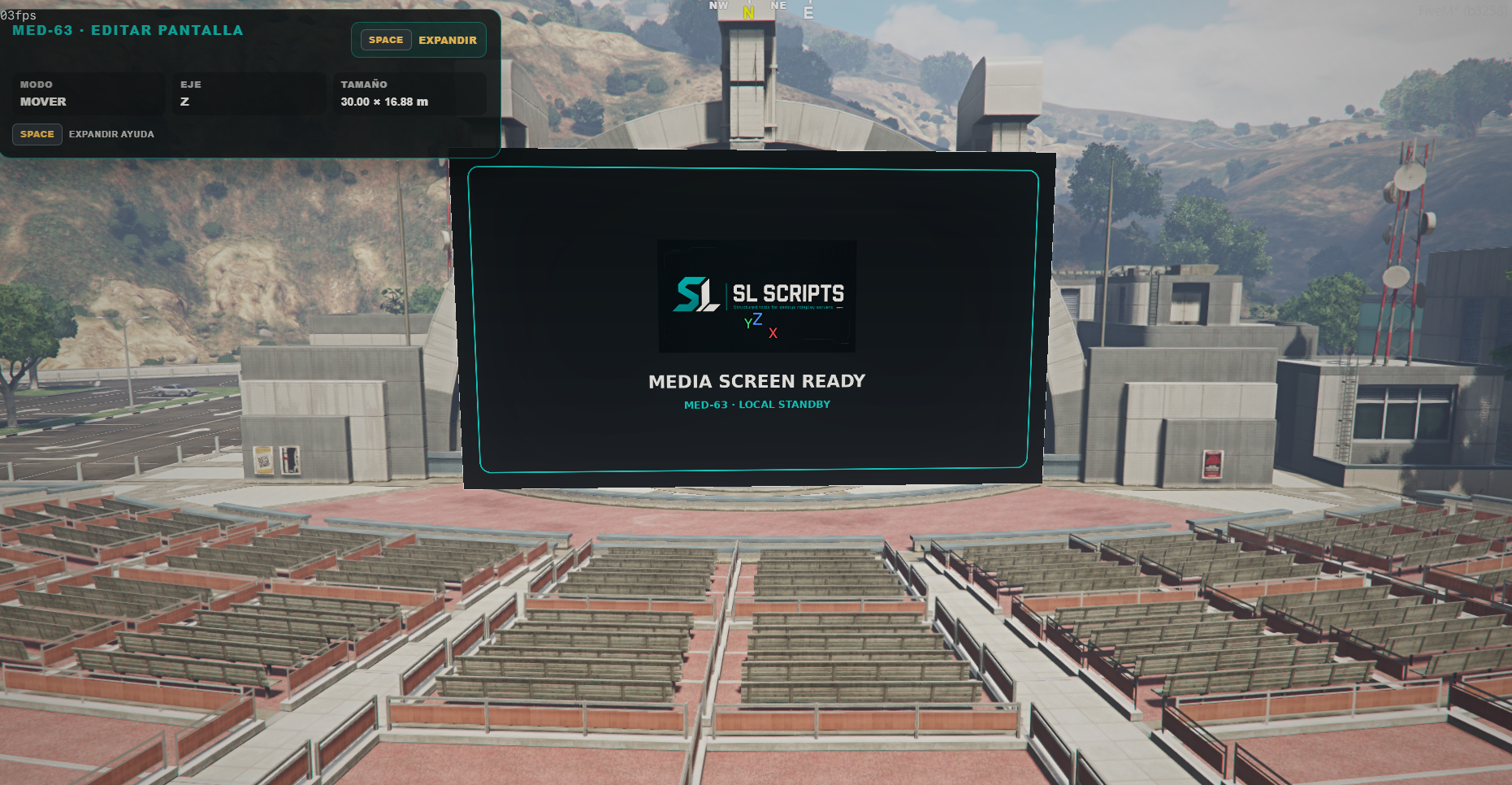
Place a screen anywhere, adjust it with a visual 3D editor, play local media or YouTube content, configure distance-based audio, connect multiple screens to shared channels, and save complete cinema setups for future use. Designed for serious roleplay servers, events, businesses, clubs, cinemas, drive-ins, meeting rooms, and public spaces.
⚙️ Main Features
- Visual 3D screen builder with move, rotation, and scale editor
- Cinema builder with predefined presets (Private rooms, standard/panoramic cinemas, drive-ins)
- Support for 16:9, 21:9, 4:3, and free aspect ratios
- Props and cinema decoration catalog with collision options
- Reusable scene saving for complete setups
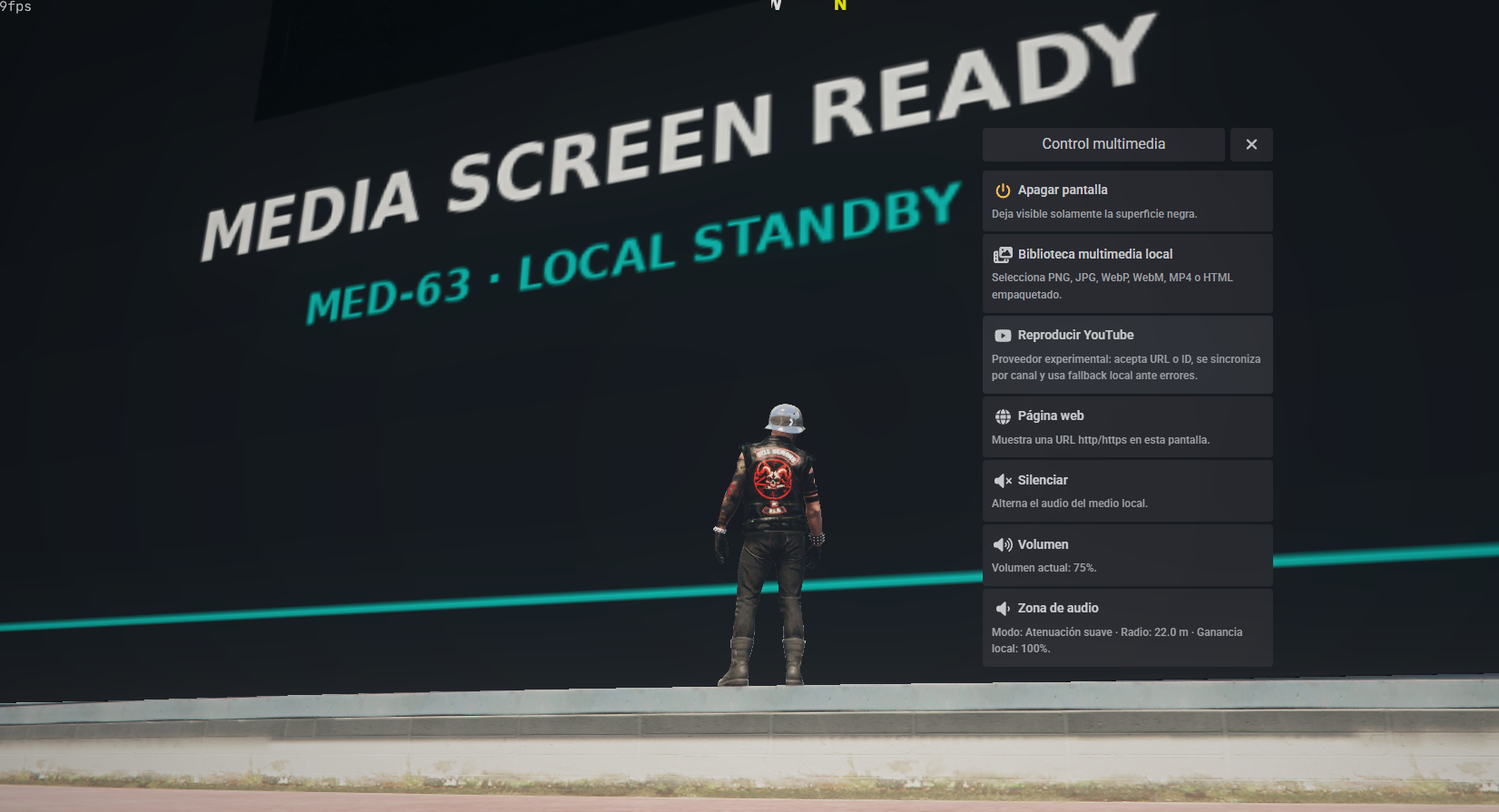
- Local media support (PNG, JPG, WebP, WebM, MP4, HTML)
- YouTube playback with automatic ID detection and sound controls
- Remote web page display via iframe embedding
- Independent and shared synchronized channels with drift correction
- Distance-based audio with customizable attenuation presets
🎮 Remote Control & JSON Persistence
Operates in virtual, inventory item, or hybrid modes. Pair with screens to manage playback, volume, and settings remotely. Includes an optional sl_media_remote item definition for ox_inventory.
Does not require a database. Persistent screens and scenes are safely stored using data/screens.json, data/scenes.json, and internal KVP backups.
📋 Requirements & Installation
ox_libox_target- Optional:
ox_inventory(for the physical remote)
ensure ox_lib
ensure ox_target
ensure ox_inventory
ensure sl_media_screens
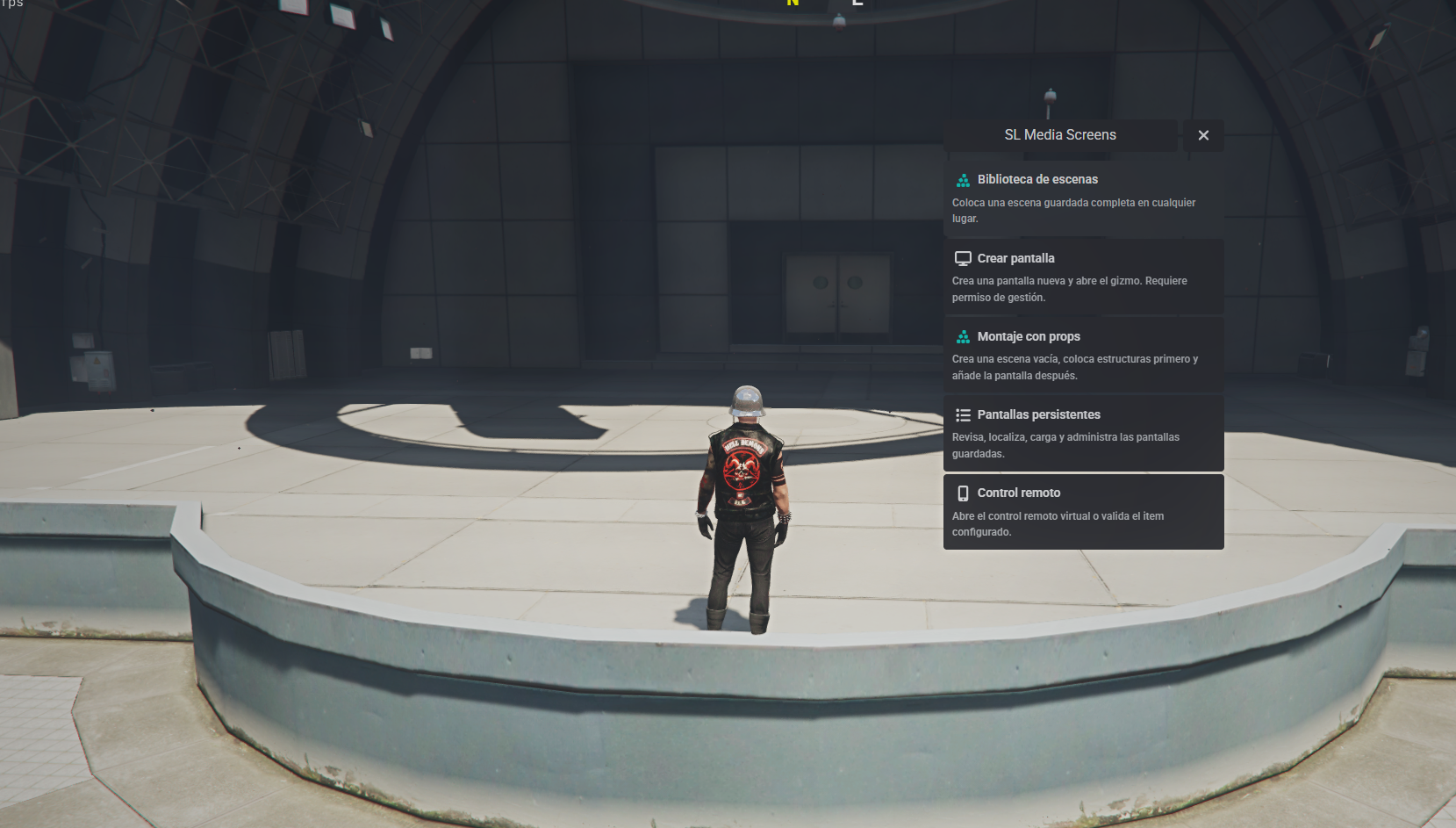
Main menu command: /slmedia
📚 Support & Resources
Official support, documentation, and community links: