
 Documentation
 Join our Discord
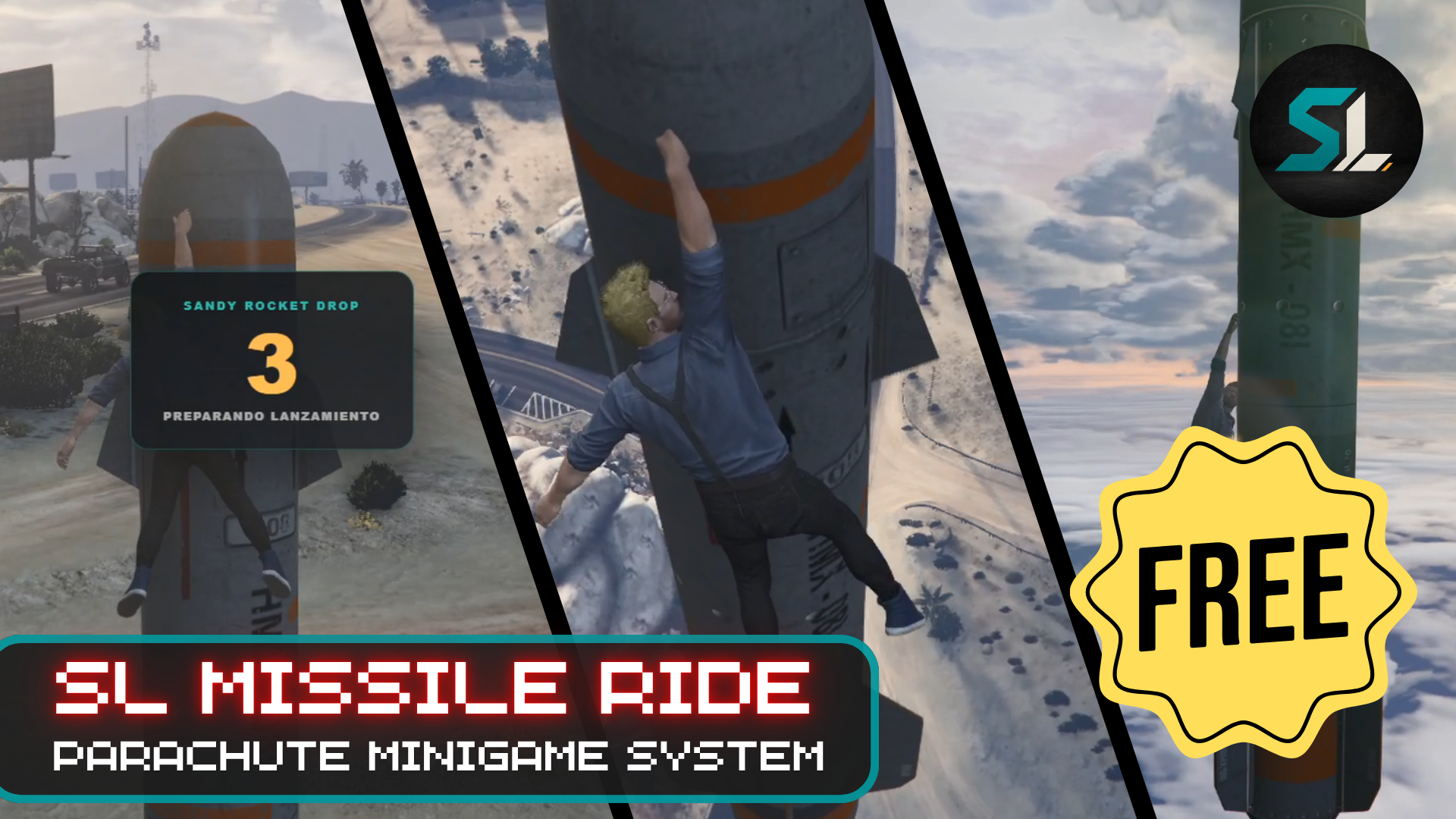
Launch together. Detach on your terms. Survive the fall.
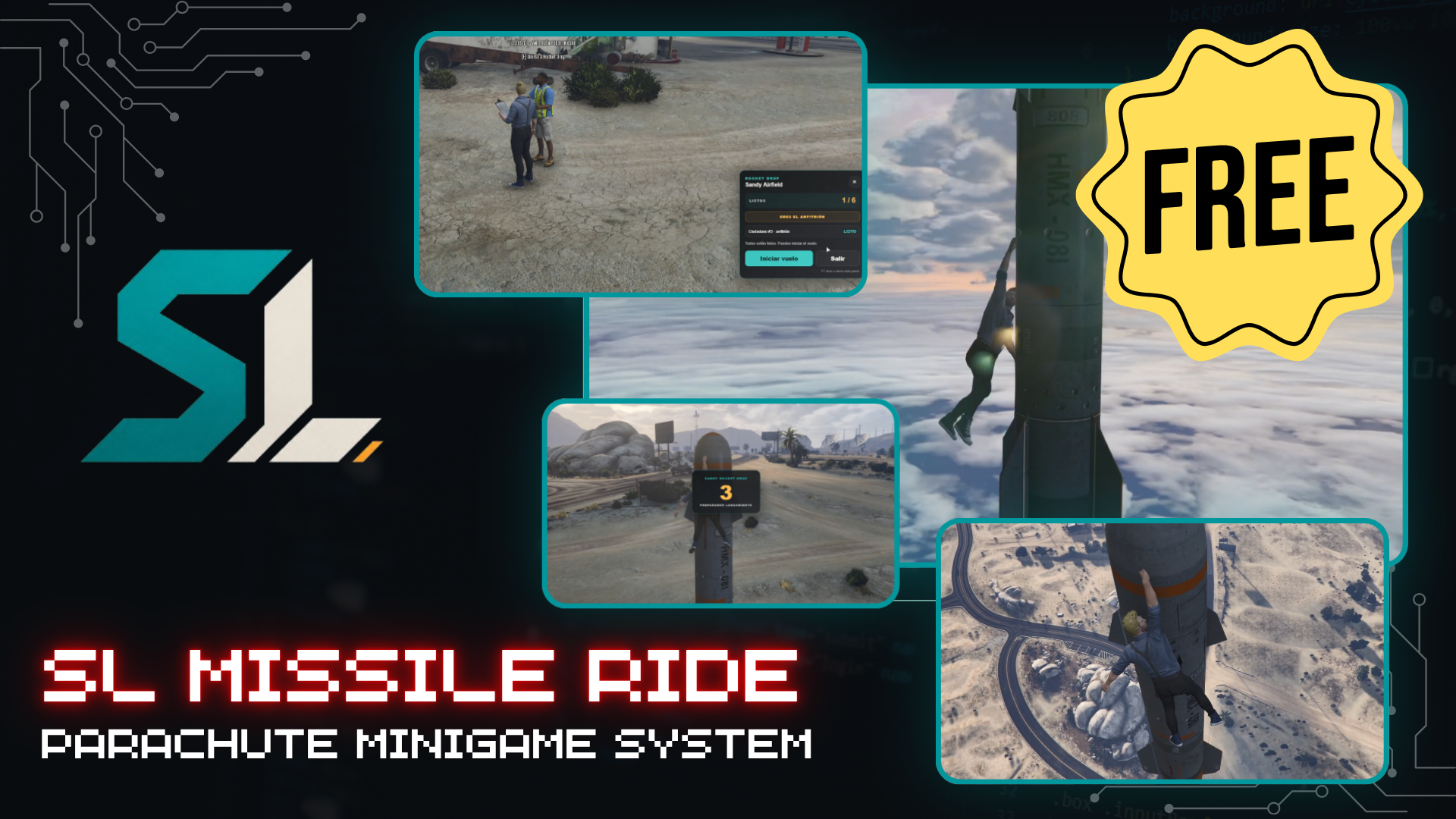
SL Rocket Drop is a configurable multiplayer activity for FiveM roleplay servers. Players gather at a Rocket Drop station, join a shared lobby, confirm they are ready and launch vertically as a group before separating into freefall.
Each station supports 1 to 6 players. The first participant becomes the host and can begin the launch once every joined player has confirmed they are ready.
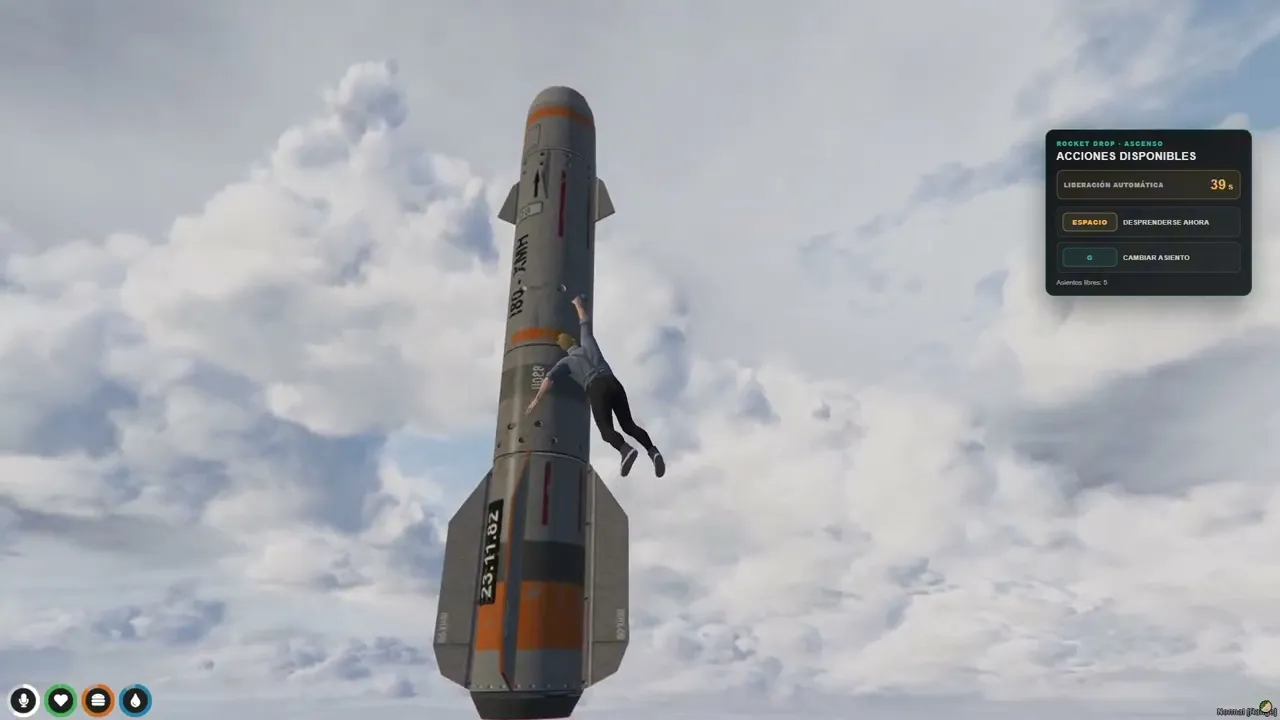
During the ascent, players experience a synchronized countdown, continuous engine audio, centered exhaust effects, takeoff camera shake and a brief cinematic blur. They can remain attached until the automatic release or detach early and begin freefall on their own terms.
Once released, each player controls their fall and decides when to deploy their parachute manually.
Main Features
- Multiplayer activity for 1–6 players per station.
- Automatic host assignment to the first participant.
- Ready confirmation system for every joined player.
- Host-controlled launch when all participants are ready.
- Five-second synchronized launch countdown.
- Continuous vertical ascent with configurable duration and speed.
- Default 90-second ascent before automatic release.
- Early detachment during ascent using the space bar.
- Freefall movement using WASD.
- Manual parachute deployment.
- Seat switching when another position is available.
- Continuous launch and engine audio throughout the ascent.
- Centered native exhaust effect attached to the rocket.
- Strong ignition shake followed by a softer vibration.
- Brief cinematic blur during takeoff.
- Automatic cleanup after landing, cancellation or resource restart.
- Character-name support instead of platform names.
- Spanish and English locales included.
Player Controls
- E — Join the nearby Rocket Drop station.
- F7 — Open or close the preparation panel.
- SPACE — Detach early during ascent.
- G — Move to another free position.
- WASD — Control freefall direction.
- F / Left Click — Deploy the parachute.
The activity does not require six players. The host may launch with any group size from one to six as long as every participant currently joined is ready.
In-Game Administration
The included ox_lib administration menu allows authorized owners and administrators to manage the activity without editing coordinates manually.
Using /slrocketdrop, authorized staff can:
- Add a new Rocket Drop station at their current position.
- Install the complete calibrated composition automatically.
- Rename existing stations.
- Relocate stations using the administrator’s current position and heading.
- Enable or disable individual stations.
- Teleport to a configured station.
- Permanently delete a station.
- Reset all active Rocket Drop sessions safely.
- Manage up to 32 configurable locations by default.
Every new location uses the protected master layout containing the rocket, exhaust origin, host NPC and six player positions.
Framework Compatibility
SL Rocket Drop can automatically resolve character names from:
- Qbox / QBX
- QBCore
- ESX
- ox_core
A custom server bridge is included for other frameworks.
The core activity does not require a database installation.
Dependencies
Required
- ox_lib
Optional
- ox_target
When ox_target is not running, the resource keeps a text-based E interaction fallback.
Configuration
The public configuration allows server owners to adjust important gameplay and presentation settings, including:
- Locale.
- Framework detection.
- Launch audio volume.
- Audio fade-out.
- Takeoff shake intensity and duration.
- Cinematic blur timing.
- Rocket exhaust effect and scale.
- Ready reminders.
- Automatic release time.
- Vertical ascent speed.
- Administrative ACE permission.
- Maximum number of configured locations.
The calibrated internal Rocket Drop layout is already included and ready for commercial use.
Asset Escrow
The main client and server logic is prepared for CFX Asset Escrow.
The following customer-facing files remain editable:
-
config.lua -
custom/*.lua -
locales/*.lua -
data/locations.json - NUI HTML, CSS and JavaScript
- Included OGG audio
-
README.md
Installation
- Place
sl_rocket_dropinside your server resources folder. - Add the following to
server.cfg:
ensure ox_lib
ensure sl_rocket_drop
- Grant administrative access where required:
add_ace group.admin sl_rocket_drop.admin allow
- Restart the server or the resource.
- Use
/slrocketdropto create or manage activity locations.
Product Information
- Product: SL Rocket Drop
- Code: RCK-56
-
Resource:
sl_rocket_drop - Version: 1.0.0.4
- Brand: SL Scripts
- Tagline: Structured tools for serious roleplay servers.
Support and Documentation
- Documentation:
- Discord:
- YouTube: